CONOR.FYI / AGENTS / COLLECTION
Agents
Skills, MCPs and references for working with coding agents.
- INDEX
- 18 ENTRIES
- BY
- CONOR LUDDY
Reusable instructions for planning, building, testing and coordinating coding agents.
Skills
- SKL.012026-11-12ID 45D82C17Skill: Spec SpeakVague specs become defects later. This skill converts rough subject matter into a structured spec using rules borrowed from EARS, RFC 2119, INCOSE and Gherkin. It asks you about undecided product questions instead of inventing answers, and flags engineering defaults as assumptions to confirm.
- SKL.022026-05-02Skill: iOS ASO GeneratorThe whole searchable surface on the App Store is 160 characters — App Name (30) + Subtitle (30) + Keywords (100). This skill extracts signals from your codebase and generates a compliant, optimised ASO.md grounded in what your app actually does.
- SKL.032026-04-18Skill: Team WorkMost sessions end with a pile of loosely-related jobs. Do them serially and you wait. Fan them out naively and you get merge conflicts, wasted opus runs on trivial work, and parallel agents stepping on the same files. This skill reads the conversation, decomposes it into atomic tasks, assigns each a model tier and the right specialist subagent, then groups them into waves that can actually run in parallel.
- SKL.042026-04-13ID 3EA8A18FSkill: And ThenStop building before you understand the problem. This skill forces the valuable pause — gathering context silently, extracting every ambiguity, resolving what it can from code, and only asking you the questions that genuinely need your input. When the blocking unknowns hit zero, it produces a plan grounded in reality.
- SKL.052026-04-12Skill: GitHub LabelsA companion to Workflow, April 2026 — this is a runnable Claude Code skill that sets up the full label taxonomy from that article on any GitHub repo. Pick the groups you need, run the skill, and your issues speak a language that both humans and AI agents understand.
- SKL.062026-03-07SKILLSkill: Swift Accessibility AgentThis is a Claude Code skill you can install right now. The body of this post is the skill itself. To install it, either right-click the **AI-friendly version** link in the header and save it as `SKILL.md`, or point your agent at the URL and ask it to set it up. Or just copy everything below into `~/.claude/skills/swift-accessibility-agent/SKILL.md`.
- SKL.072025iOS Simulator SkillA Claude Code skill for building, running, and interacting with iOS simulators.
- SKL.082026MEMVestigeAgent memory infrastructure built around context economics.
Model Context Protocol servers that connect agents to tools, development environments and project memory.
MCPs
- MCP.012026MEMVestigeAgent memory infrastructure built around context economics.
- MCP.022025xc-mcpAn Xcode MCP for coding agents, with compact build output.
- MCP.032025ID 3108166Fxclaude-pluginHistorical project. An early approach to reducing agent context costs by toggling workflow-specific MCP servers. The README retires this design because unused MCP tools no longer carry the same context overhead, and points to xc-mcp or iOS Simulator Skill instead. Preserved as a record of that early work.
- MCP.042025ContextPodsHistorical project. An early MCP development framework for generating servers, wrapping scripts and checking protocol compliance. Its templates document the SDK and host setup of that period. Preserved as an early exploration, rather than current setup guidance; the idea of exposing existing tools through MCP remains useful.
Guides, cheat sheets and technical references to keep useful context close to hand.
References
- REF.012026-04-14ID A92CBBAFClaude Code Token Cheat SheetMost Claude Code users know about settings.json, but the binary contains over 150 environment variables that control everything from thinking budgets and context window compaction to subagent model selection and sandbox behaviour. We extracted the full list from v2.1.83 using strings, verified each one against the minified source, and organised them into 16 groups with a practical guide to cutting token costs.
- REF.022026-04-14FLAGSThe Unofficial Guide to Every Claude Code Environment FlagMost Claude Code users know about settings.json, but the binary contains over 150 environment variables that control everything from thinking budgets and context window compaction to subagent model selection and sandbox behaviour. We extracted the full list from v2.1.83 using strings, verified each one against the minified source, and organised them into 16 groups with a practical guide to cutting token costs.
- REF.032026-03-01ID CC53403AFoundationModels: Quick Reference CheatsheetEverything you need to know about FoundationModels on one page — key types, session patterns, token budget formula, and the 10 anti-patterns. Links into the full reference for every section.
- REF.042026-02-28iOS 26 FoundationModels: Comprehensive Swift/SwiftUI ReferenceEverything you need to know about FoundationModels in Swift — from the availability gotchas through @Generable guided generation, streaming, tool calling, token budgeting, and graceful degradation patterns for production apps.
- REF.052026-02-20CODECode Style GuideA practical code style guide built around one principle: every token competes for finite attention. Maximize signal, minimize noise.
- REF.062026-05-20iOS 26 Liquid Glass: Comprehensive Swift/SwiftUI ReferenceEverything you need to know about implementing Liquid Glass in SwiftUI and UIKit — from basics through advanced morphing, performance optimization, and production patterns. Refreshed May 2026.
- REF.072025SwiftAIAccessA Swift package for AI-navigable SwiftUI apps.
From a prompt to a working app.
The lab above is a looping illustration of how I work with coding agents: define the task, split up the work, build in parallel, then check the result on a device.
The laptop
The terminal is where the work starts. A prompt becomes a spec, issues become tasks, and updates return as the agents make progress.
The harness
The main unit coordinates the work. The harness gives the model its tools, context and workflow, so it can delegate tasks and bring the results together.
The subagents
The smaller units represent agents working on focused tasks. Each builds alongside the others and returns its result for review.
The skill cartridges
The cartridges are reusable instructions: writing a spec, organising GitHub issues, coordinating a team or using the iOS Simulator. The racks hold the wider skill library; loaded cartridges show what an agent has available.
The cables and glass tubes
The connections make the handoffs visible. Packets travel between the laptop, the main agent and its workers; the thinner tubes connect each worker to the app it is building.
The phones
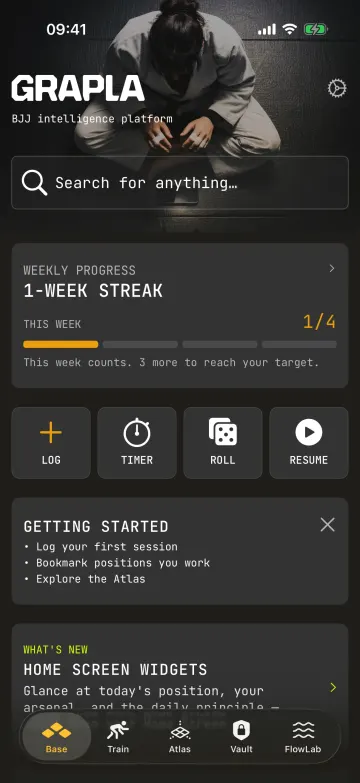
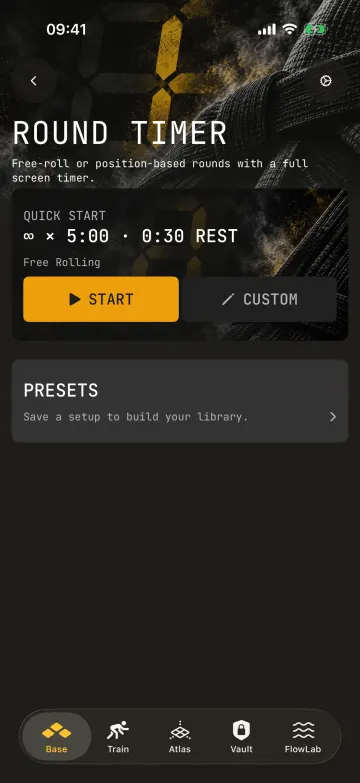
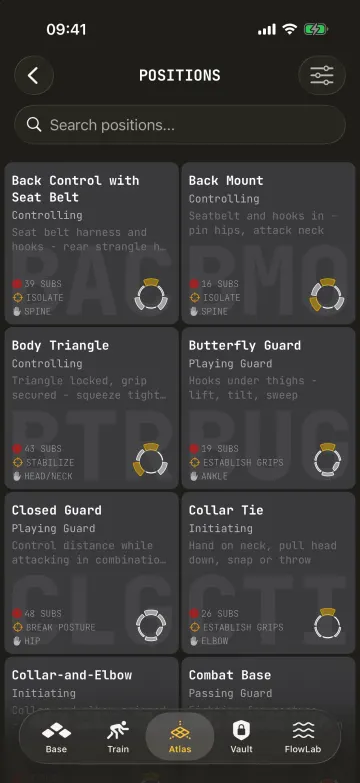
The worker phones reveal app screens as builds progress. The phone beside the laptop represents the simulator used to check the results, continuously touring pages from my apps.
Explore the components in the interactive agent lab ↗, or browse the skills, MCPs and references above.